

How Pilot Lounge Works
From Check-In To Takeoff
Every Pilot Lounge session is designed to be structured, supportive, and easy for families to follow.
From check-in to wrap-up, each visit is guided with intention so students feel confident, engaged, and excited to learn. Parents can expect a smooth, organized experience, while kids get hands-on aviation learning that builds real skills in a fun and encouraging environment.
Here’s how the experience works from start to finish.
Experience Walk-Through

Arrive & Check-In
A calm, welcoming environment. Students get settled and ready, this is structured learning, not free play.

Pre-Flight Briefing
A quick, age-appropriate intro to the day's focus, controls, and what to expect. Participants leave this feeling confident and ready.

In Simulator

Real flight skills, takeoffs, landings, altitude, and direction, guided by a certified flight instructor (CFI). Every child moves at their own pace.
Post Flight Wrap-up
A quick debrief on what they learned and what's next. Kids leave proud. Parents leave impressed.
What Students Learn
-
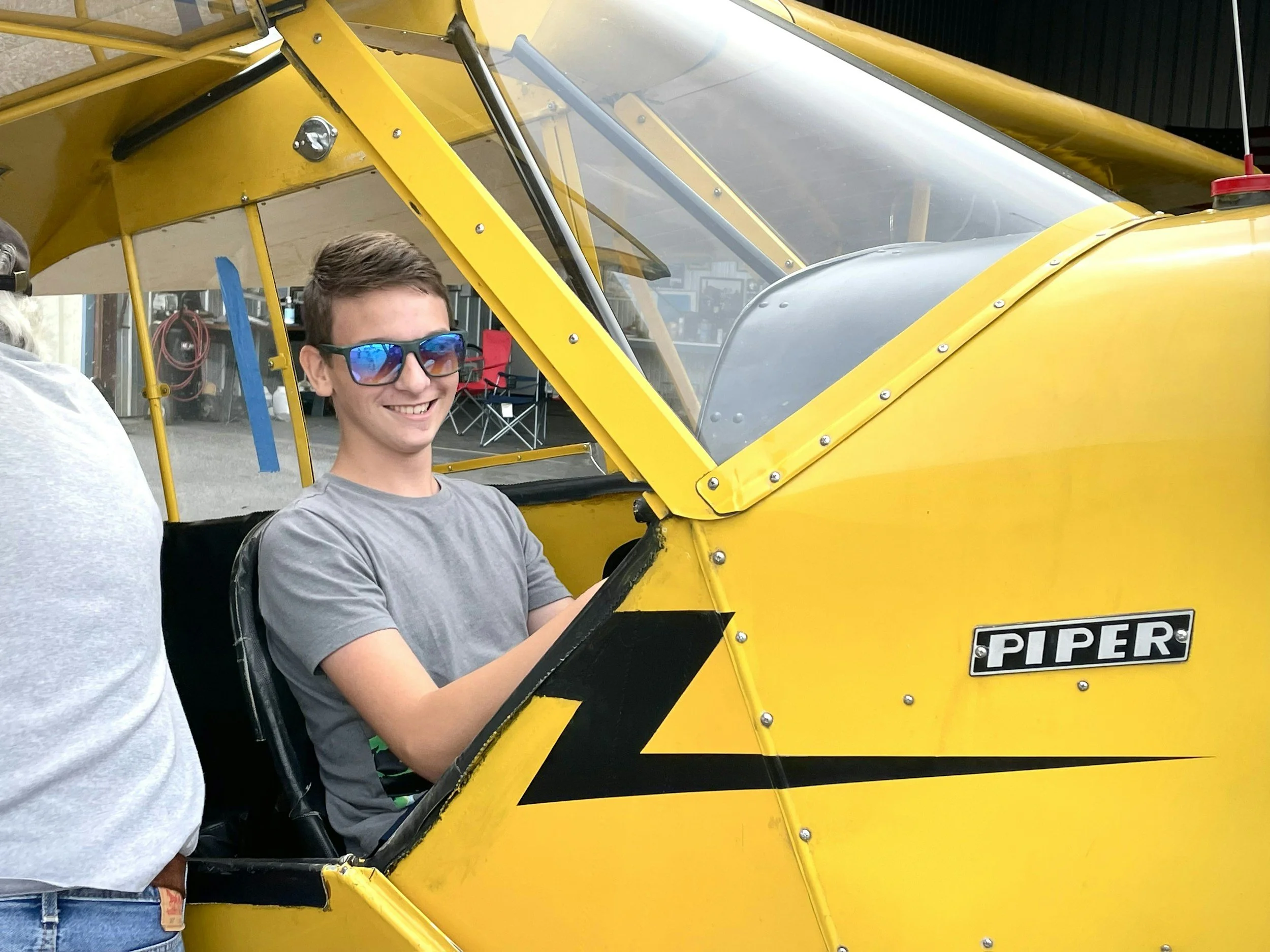
Students are introduced to core aviation concepts through real-world application inside the simulator.
They learn how lift, thrust, drag, and gravity work together, how aircraft systems respond to inputs, and how math and navigation are used during flight.
-
Students develop hands-on flying skills in a guided environment.
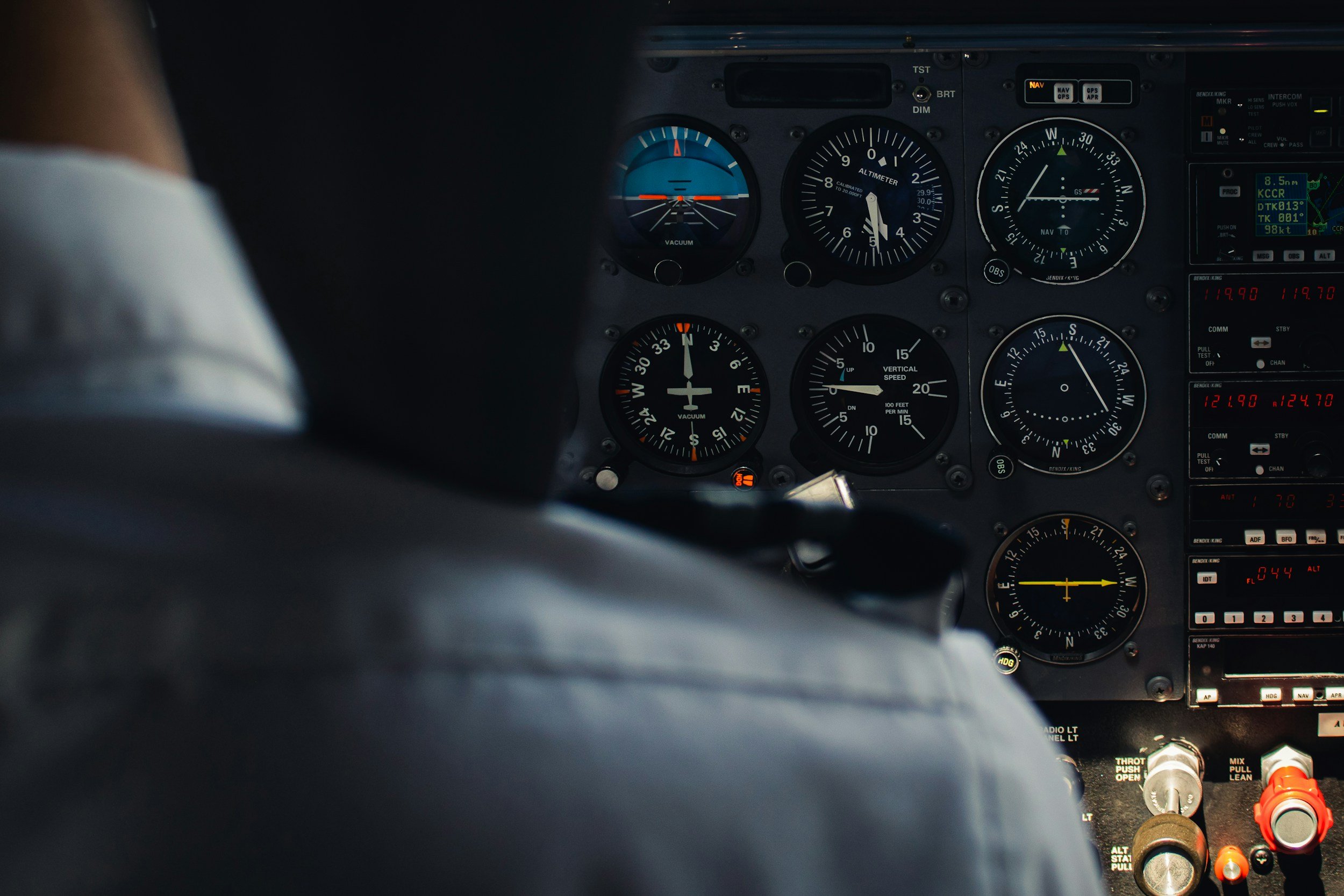
They practice takeoffs, landings, controlling altitude, speed, and direction, and learn how to read and use basic flight instruments.
-
Students begin to understand how pilots think and move through space.
They are introduced to headings, flight paths, and simple route planning while following structured, instructor-led scenarios.
-
Beyond aviation, students build skills that transfer into everyday life.
They develop focus, problem-solving, decision-making, confidence, and the ability to stay calm and adapt in new situations.
A Deeper Look
-
Every session is designed to be structured, supportive, and easy to follow.
Students are introduced to key concepts before entering the simulator and are guided step by step throughout the experience.
-
Each student is supported by an instructor during their session.
Instructors provide coaching, encouragement, and adjustments based on the student’s level, ensuring they feel both challenged and supported.
-
Students are actively involved the entire time.
They are making decisions, applying concepts, and engaging with the simulator, not just watching or waiting.
-
Sessions are part of a structured progression, not a one-time experience.
Students build on what they learn each visit, creating a clear path of growth, confidence, and skill development over time.
FAQs
Each session is 50 minutes allowing for a 10 minute transition for the next class. including a pre-flight briefing, hands-on simulator time, and a debrief at the end.
1
How long is a session?
What if my child gets motion sick?
2
Some kids experience mild simulator sickness. If your child is prone to motion sickness, let us know when booking. Our instructors can adjust the experience at any time, and can pause or end a session if needed.
What is your cancellation policy?
3
To cancel a recurring monthly membership, 30 days’ notice is required. Please contact Pilot Lounge to submit your cancellation request.
Monthly membership fees are non-refundable. If your student misses a scheduled class, make-up sessions are available and can be scheduled in another available class, subject to availability.
What do students actually learn?
4
Students learn how planes stay in the air, understand basic controls and navigation, and build problem-solving, focus, and confidence through hands-on learning.
What types of programs will you offer?
5
We plan to offer intro experiences, weekly structured sessions, and camps or special programs.